Helixor Code Agent Additions
Helixor Code connects to AI coding agents via the Model Context Protocol (MCP) combined with agent-specific operating guidance. The local companion acts as the MCP server, and managed guidance blocks teach the agent when and how to query the structural index instead of raw grepping.
The Supported MCP Endpoint
All AI agents connect directly to the local companion process:
http://127.0.0.1:18733/mcp/Do not configure agents to connect to remote cloud MCP endpoints directly. The local companion must manage caching, git diff splicing, local code privacy, and token budgets.
Required Tool Surface
When properly registered, an agent discovers these consolidated action tools:
code.index: Status, builds, workspace routing, freshness, and rebuilds.code.search: Symbol search, definitions, call explanations, and diff comparisons.code.review: Architecture compliance, motif analysis, and quality audits.code.impact.analyze: Blast radius calculation and affected file prediction.code.tests.find: Discover tests mapped to affected symbols and APIs.brain.design: Create, list, peek, and update durable architecture records.brain.todo: Subject-scoped durable TODO stacks (push,peek,update).brain.defect: Durable issue and defect tracking.workspace.get&workspace.act: Cross-agent channel messages and handoffs.
Automatic Agent Configuration
The simplest way to register all installed agents is during initialization:
helixor initOr repair all detected agent integrations at any time:
helixor repairManual & Specific Agent Setup
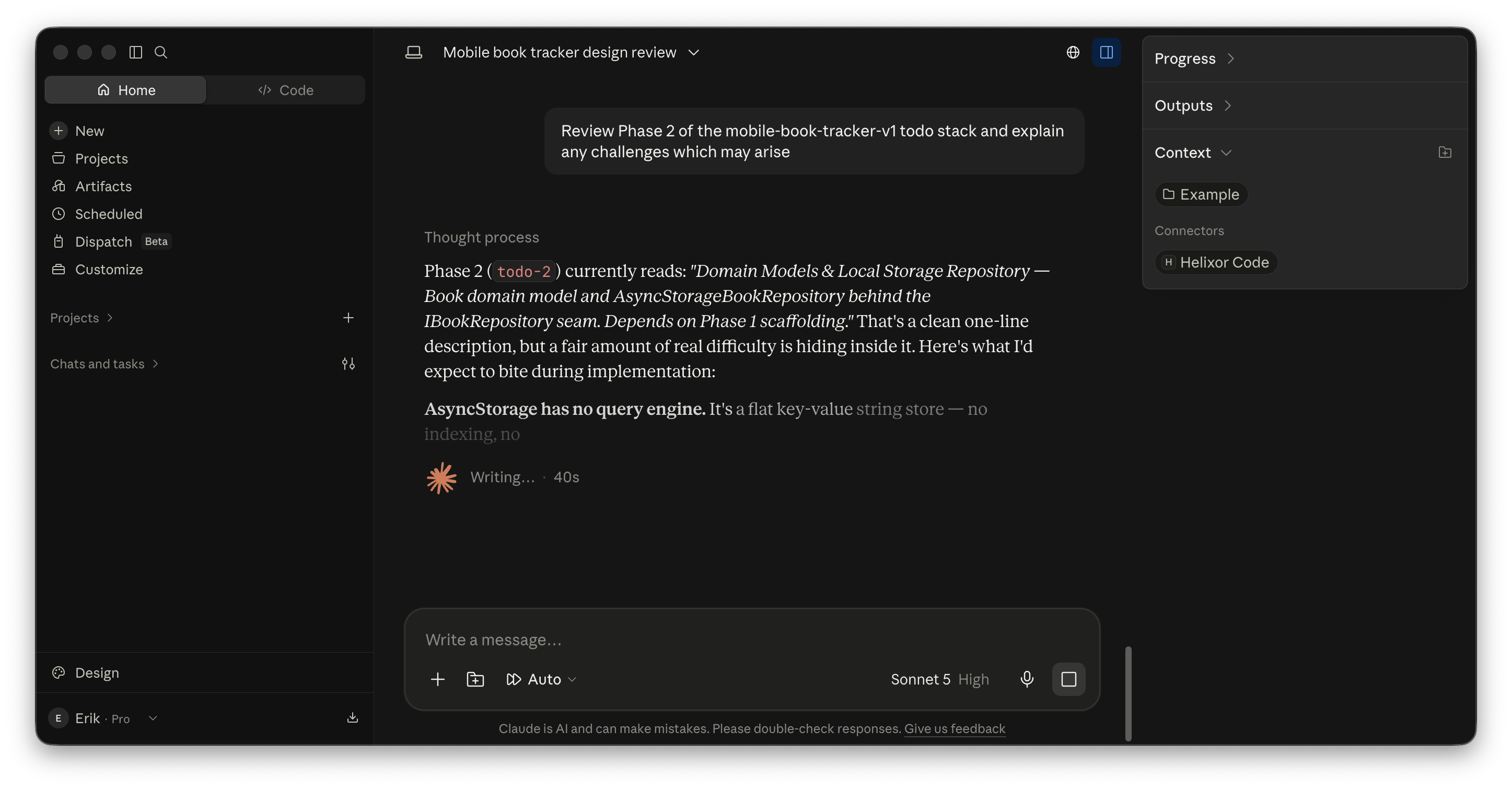
1. Claude Code
Attach the companion to Claude Code with one command:
helixor agent install claudeOr inspect ~/.claude/mcp.json directly:
{
  "mcpServers": {
    "helixor": {
      "command": "helixor",
      "args": ["mcp", "serve"]
    }
  }
}
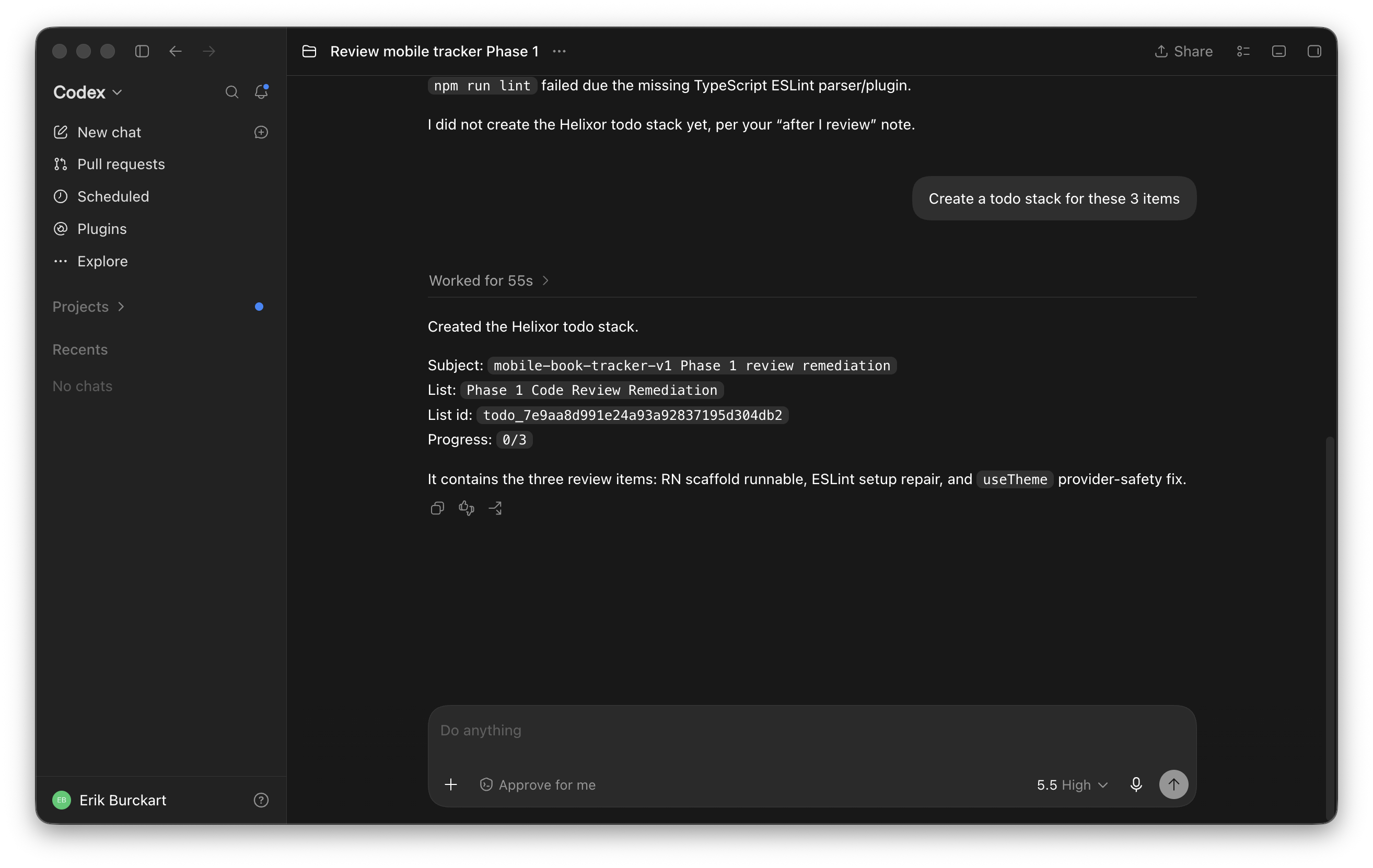
2. Codex
Attach to Codex:
helixor agent install codexThe CLI updates Codex's configuration directory, registers the companion, and installs the canonical Helixor Code guidance rules.
3. Cursor & VSCode
In Cursor or VSCode settings, add the companion under MCP Servers:
Server Name: helixor
Transport: HTTP SSE / Stream
URL: http://127.0.0.1:18733/mcp/
4. Antigravity & Custom MCP Clients
For Antigravity, the companion registers in ~/.gemini/antigravity/mcp/helixor with companion rules in rules/AGENTS.md:
helixor agent install antigravity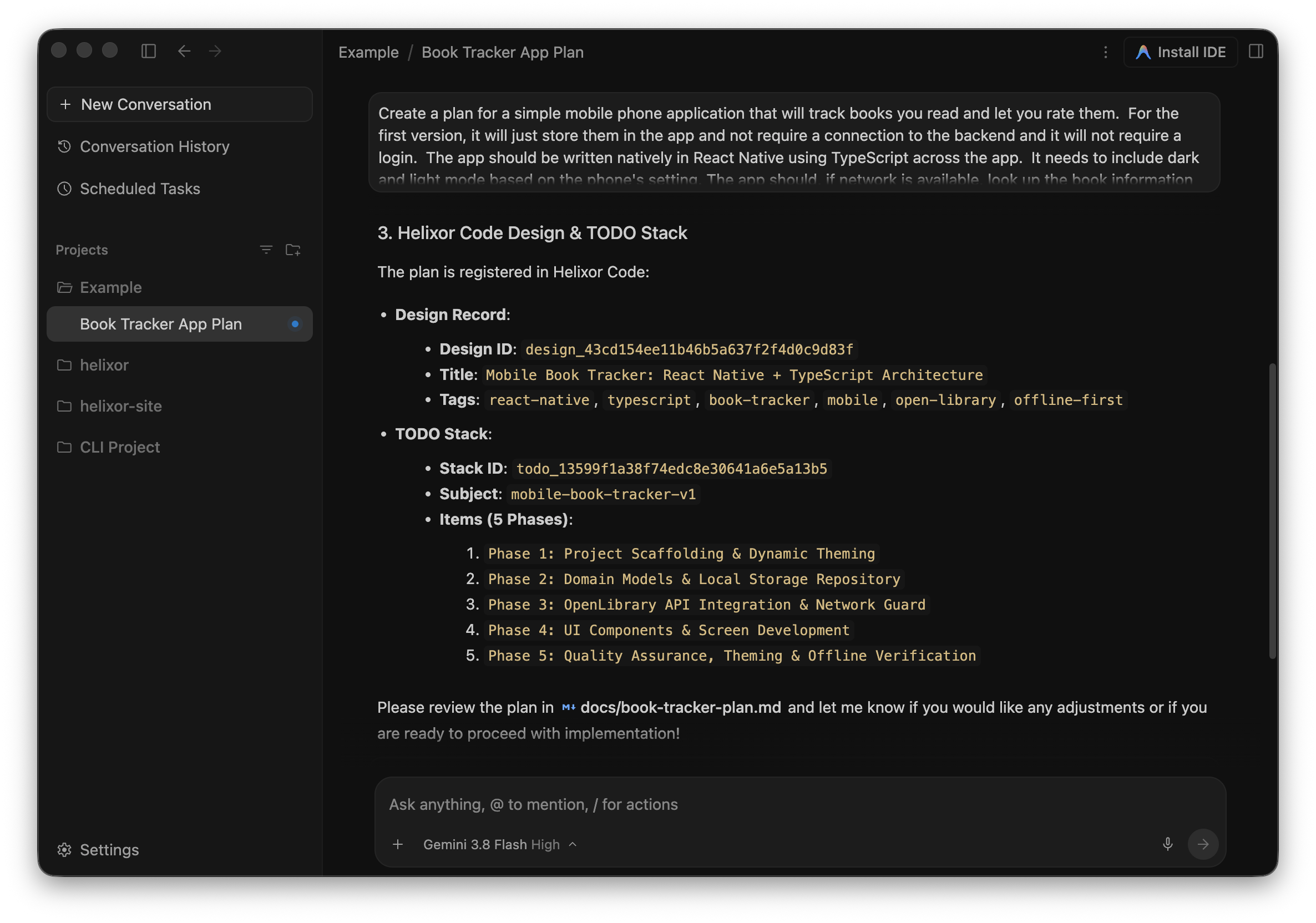
Guidance Blocks & Steering
Tools alone are only half the system. AI agents tend to default to basic shell tools (grep, cat, find) unless instructed otherwise. Helixor installs a managed guidance block in the agent's system prompt or workspace rule file:
- Prefer Helixor MCP code.index, code.search, and code.impact.analyze
  before using shell grep or git grep.
- Record durable work with brain.design and brain.todo.
- Endpoint: http://127.0.0.1:18733/mcp/